Wedding save the dates
Save the dates that make it official.
Pick a design, add your names, date and city, and share your save the date with one link. When it is time to invite, the same design becomes your invitation.

How it works
Your date, shared in minutes.
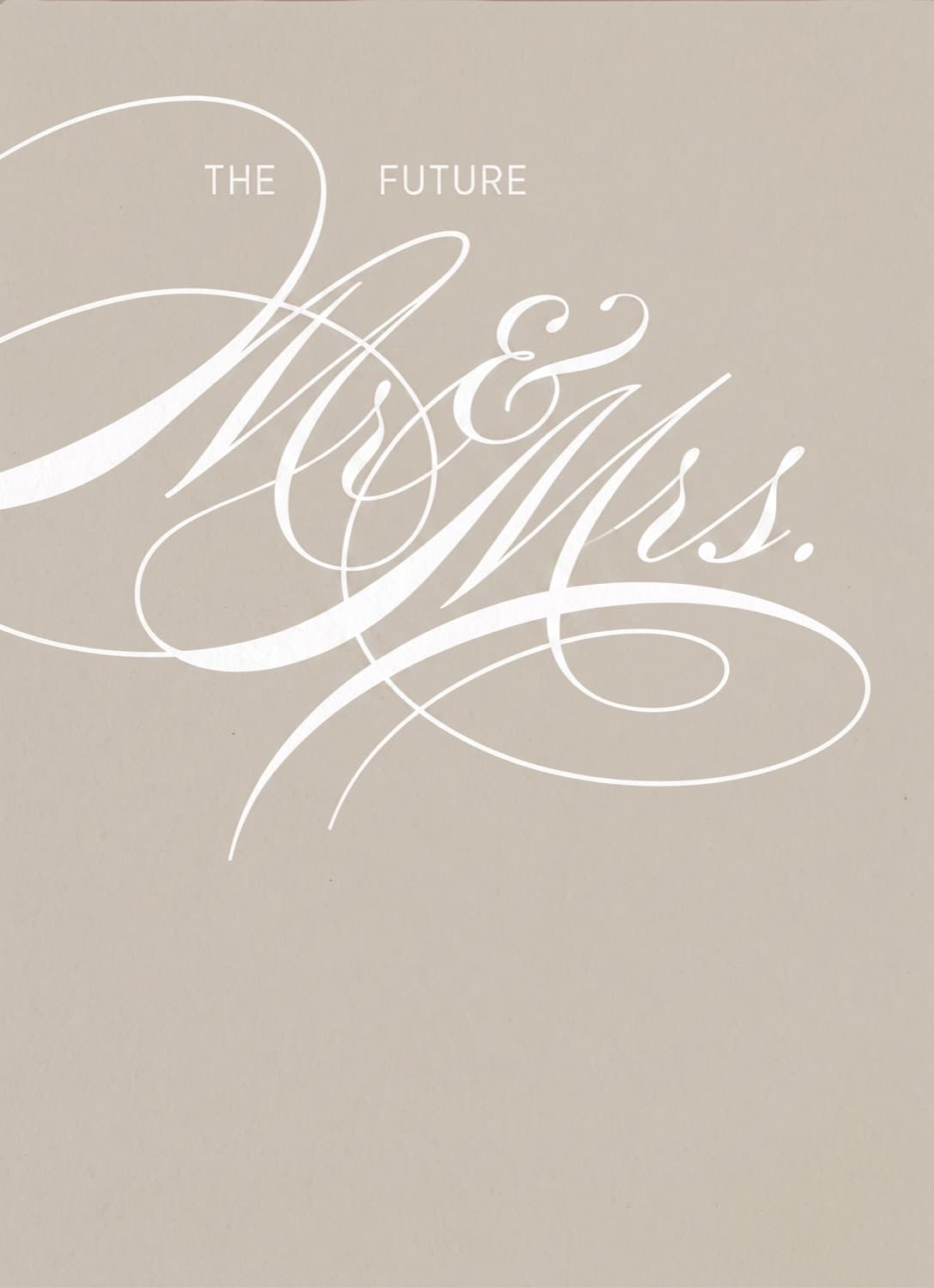
Choose your design
Florals, modern lines, bold color or your favorite engagement photo. Add your names, date and city, choose your colors, make the words your own, and finish the envelope with a wax seal if you like.
Share it with one link
Send it in a text, an email or the group chat, straight from your phone. In most messaging apps the link preview shows your card and the words Save the Date, so guests know what is inside before they open it.
Switch to your invitation later
When you are ready to invite, switch the same card to an invitation. Your design, colors, link and guest list stay the same. Share it again, and guests RSVP right inside it.
Your first step toward the big day.
Designs for every style
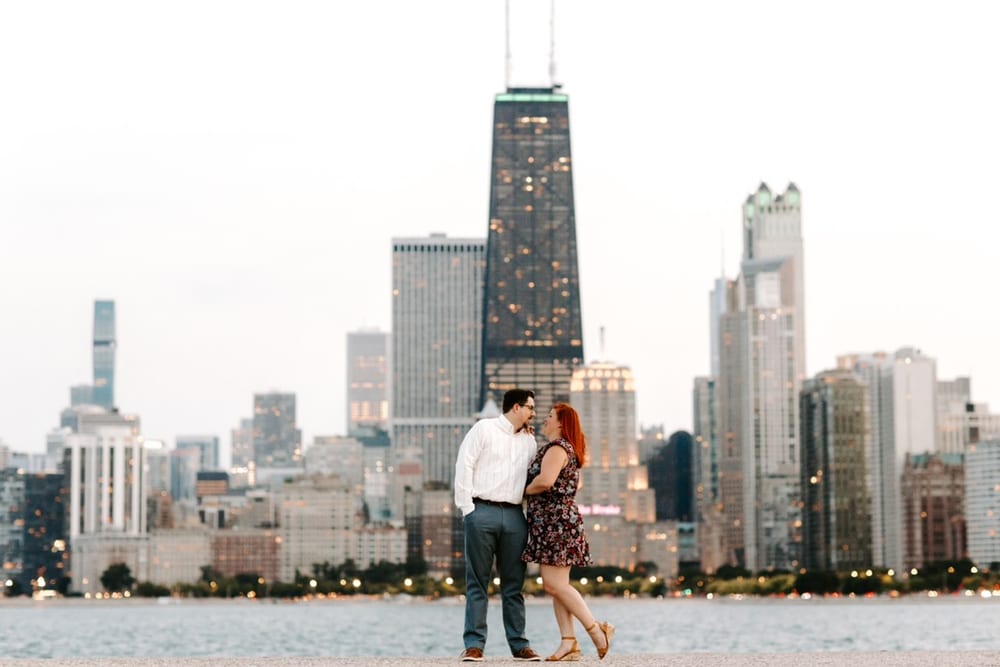
Watercolor florals, clean modern type or a photo of the two of you. Most designs recolor to match your wedding palette.
Start your guest list now
Add guests as you send your save the date. The same list carries over to your invitation, where you will track every RSVP.
Room for travel details
Guests making plans early? Turn on a wedding website in the same design, with travel, hotels and a schedule.


Also included
- An envelope with an optional wax seal
- Make the wording, fonts and colors yours
- Upload your own artwork instead
- Update details anytime, at the same link
- Download a 5x7 PDF or PNG to print at home
- Password protection
Prefer paper too?
Printed 5x7 save the dates with envelopes are a separate purchase, chosen from our print designs and shipped straight to you.
Questions couples ask
Are Vowfly save the dates free?
Yes. Designing your save the date, sharing it by link and starting your guest list are free, with no limit on guests. Optional extras, like printed cards, are a separate purchase.
What should we include on our save the date?
Your names, your wedding date and the city you are marrying in. That is all guests need to hold the date. Times, the venue and RSVPs can wait for your invitation.
When should we send save the dates?
Six to eight months before the wedding works for most couples. If many guests will need to book flights or hotels, send them eight to twelve months ahead.
How do I send my save the date?
Tap Share on your phone and pick how to send it, like a text, an email or a group chat, or copy the link and paste it anywhere. It comes from you, not from Vowfly.
Can I turn my save the date into an invitation?
Yes. Switch the same card from save the date to invitation when you are ready. Your design, colors, link and guest list stay the same. Vowfly does not notify guests of the switch, so share the link again to let them know it is time to RSVP.
Can I use our engagement photo?
Yes. Choose a photo design and add your own picture, or upload a finished design you already have.
Can I order printed save the dates?
Yes, as a separate order. Printed 5x7 save the dates come from our print designs, which are separate from your digital design. Choose the color, shape, back and quantity, and they ship to you with envelopes. You can also download your digital save the date as a PDF or PNG to print yourself.
Can I change the details after sending?
Yes. Your save the date lives at one link, so guests see the updated details whenever they open it. Vowfly does not message guests about changes, so let them know yourself about anything important.
Do guests need an app or an account to open it?
No app and no account. It opens in any phone's browser.
Share your date, free.
Design your save the date today, and turn it into your invitation when it is time.