Wedding invitations
Wedding invitations your guests will love opening.
Design your invitation in minutes, share it with one link, and watch every RSVP land in one guest list. Free to send, with no limit on guests.


How it works
From your first idea to the moment they open it.
Pick a design and make it yours
Browse floral, modern, bold color and photo designs. Add your names, date and city, choose your colors, and make the words your own in the fonts that suit the design. Already have your own artwork? Upload it instead.
Share it with one link
Your invitation lives online at its own link. Send it in a text, an email or the group chat, straight from your phone. Change a detail later and every guest sees the update at the same link.
Guests open it and reply
Guests open it in any phone's browser, with no app and no account. They read the details and RSVP for each event right there.


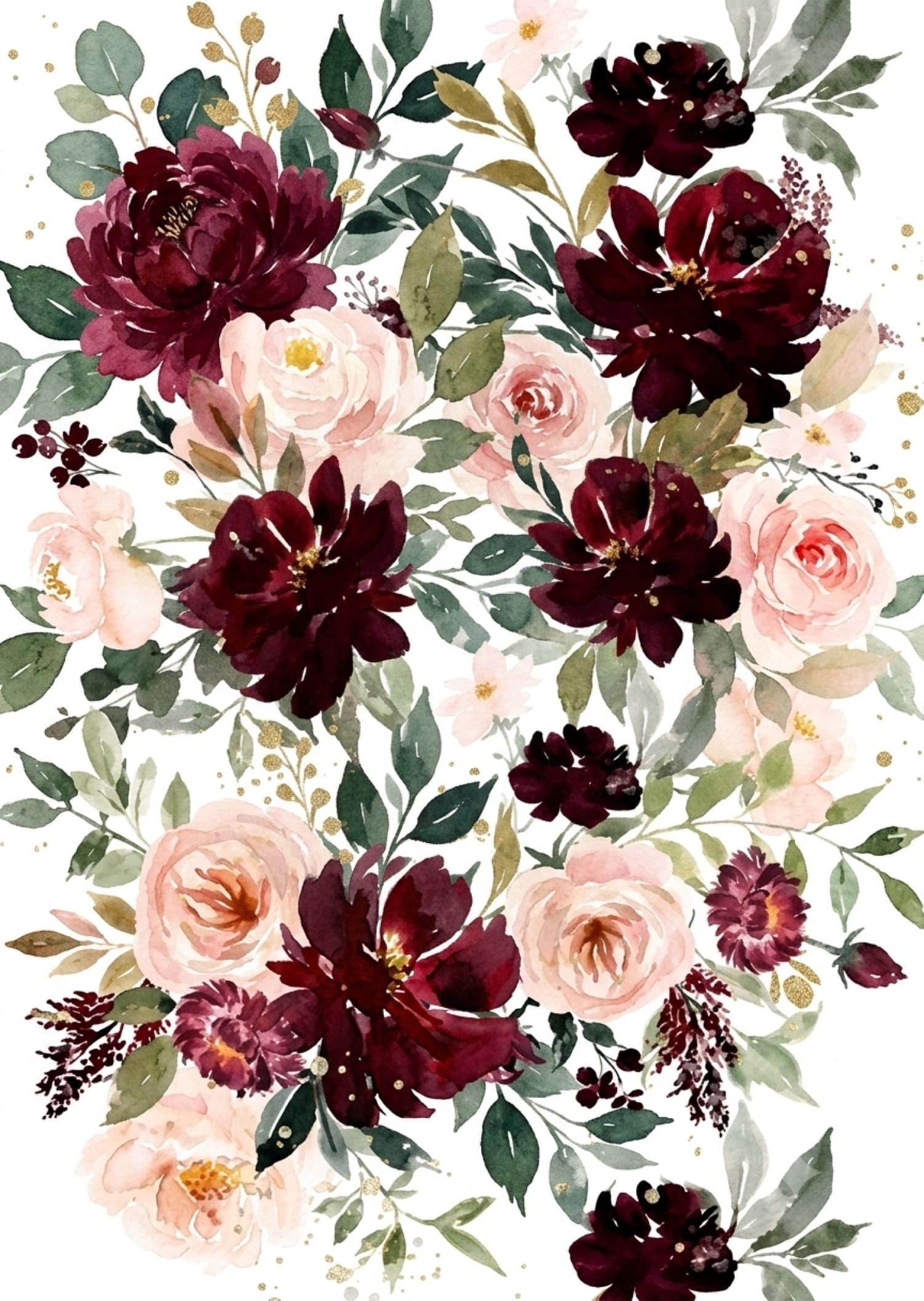
A digital invitation that feels like stationery.
An envelope they open
Your invitation arrives in an envelope guests tap to open, with an optional wax seal, so it feels like mail worth keeping.
Every reply in one guest list
Guests answer each event separately, and every reply lands in your guest list the moment it is sent. Search, filter and export it anytime.
A matching website, if you want one
Need room for travel, a schedule or your registry? Turn on a wedding website in the same colors and fonts as your invitation.
Also included
- Make the wording, fonts and colors yours
- Upload your own artwork instead
- Update details anytime, at the same link
- Choose who can RSVP: anyone with the link, or your guest list only
- An email when guests reply
- Download a 5x7 PDF or PNG to print at home
- Password protection
Prefer paper too?
Printed 5x7 invitations with envelopes are a separate purchase, chosen from our print designs and shipped straight to you.
Questions couples ask
What is free?
Designing your invitation, sharing it by link, collecting RSVPs and your guest list are all free, with no limit on guests. Optional extras, like printed cards, are a separate purchase.
Can guests RSVP to separate wedding events?
Yes. Add your events, like a welcome dinner, the ceremony and a farewell brunch, and guests answer each one. Guests on your list see only the events you invited them to, and your guest list shows who is coming to what.
Do my guests need an app or an account?
No app and no account. Guests open your invitation in their phone's browser and RSVP right there.
How do I send my invitations?
Tap Share on your phone and pick how to send it, like a text, an email or a group chat, or copy the link and paste it anywhere. It comes from you, not from Vowfly. If you post it somewhere public, consider limiting RSVPs to your guest list.
Can I make changes after I send it?
Yes. Your invitation lives at one link, so guests see the updated details whenever they open it. Vowfly does not message guests about changes, so let them know yourself about anything important.
Can I send a save the date first?
Yes. Start with a save the date, then switch the same card to an invitation when you are ready to collect RSVPs. Your design, link and guest list stay the same. Share the link again so guests know it is time to reply.
Can I order printed invitations too?
Yes, as a separate order. Printed 5x7 invitations come from our print designs, which are separate from your digital design. Choose the color, shape, back and quantity, and they ship to you with envelopes. You can also download your digital invitation as a PDF or PNG to print yourself.
Can I limit RSVPs to my guest list?
Yes. By default anyone with your link can reply, and each new name is added to your guest list. Switch to guest list only, and guests must enter a name that matches someone on your list before they can RSVP.
Create your invitation, free.
Share it with your guests, collect every RSVP, and add the rest whenever you are ready.