Guest photos
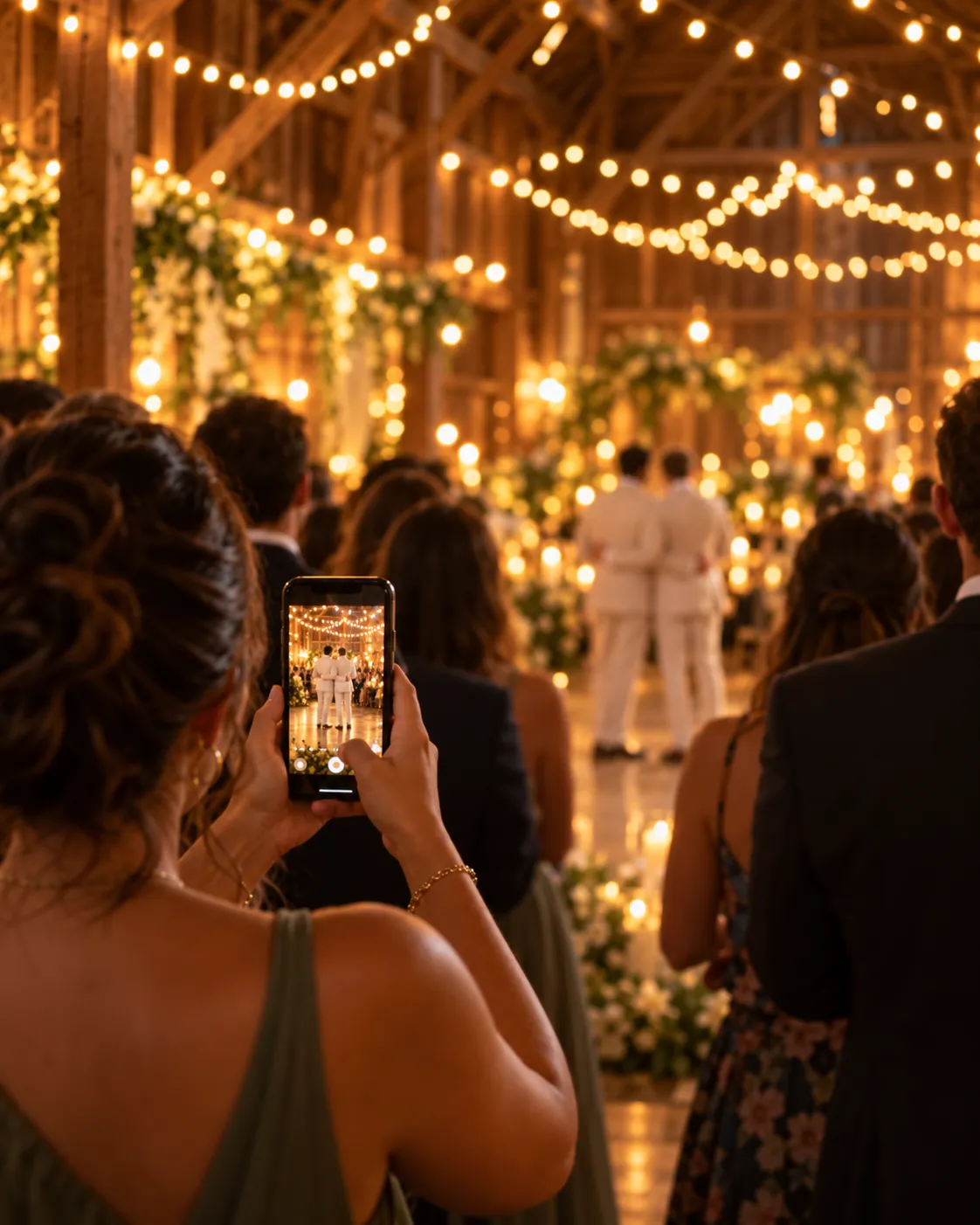
All your wedding guest photos, collected with one QR code.
Guests scan your QR code or tap a link and add the photos from their phones, with nothing to download and no account. You get every shot in one album, in full resolution.

How it works
Set it out, then enjoy your night.
Share a link or a QR code
Print the QR code for your tables, or share the link. It also appears as a button on your invitation and website once the album opens, the week of your wedding.
Guests add their photos
Guests pick photos from their camera roll, as many as they like, and can add their first name so you know who took them. Nothing to install and nothing to sign up for.
Download them all
See every photo in one album, hide any you would rather not keep, and download the whole collection in full resolution. We email you when your download is ready.
The photos you would never see otherwise.
Nothing to download
Guests upload from their phone's browser, with no account. A first name is optional.
QR code for your tables
Download a QR code to print on table cards, signs or your program.
Full resolution
Photos are kept as the original files, not shrunk for the web.
One album
Every guest's photos together, up to 2,500 per wedding.
You are in control
Hide or delete any photo, and stop accepting new ones whenever you like.
Share it back
Let guests view the album too, or keep it just for the two of you.
Download all
Get the whole album as ZIP files, emailed to you when it is ready.
Opens wedding week
The album unlocks 7 days before your wedding and stays open after.
Kept 12 months
Photos stay for 12 months after your wedding, with reminders before they go.
Questions couples ask
Do guests need to download anything?
No. Guests scan the QR code with their phone camera or open the link, and add photos right in their browser. There is nothing to install and no account.
When can guests start adding photos?
The album opens 7 days before your wedding date, so it is ready for welcome events, and it stays open after the wedding for late uploads.
Can guests upload videos?
No. The Wedding Album is for photos only.
Are the photos full quality?
Yes. We keep the original files guests upload, and your download is full resolution.
Can guests see each other's photos?
Only if you want them to. Turn on the shared album and guests can browse it, or leave it off and the album is just for you.
Can I remove a photo?
Yes. Hide or delete any photo from your album at any time.
How long are the photos kept?
For 12 months after your wedding. Download them anytime before then, and we will remind you before anything is removed.
How do I get Guest Photos?
Guest Photos comes with the Wedding Pass. Create your free invitation, add the Pass from your dashboard, and your Wedding Album opens the week of your wedding.
See the wedding through your guests' eyes.
Create your free invitation, then add your Wedding Album whenever you are ready.